Export
Print to PDF
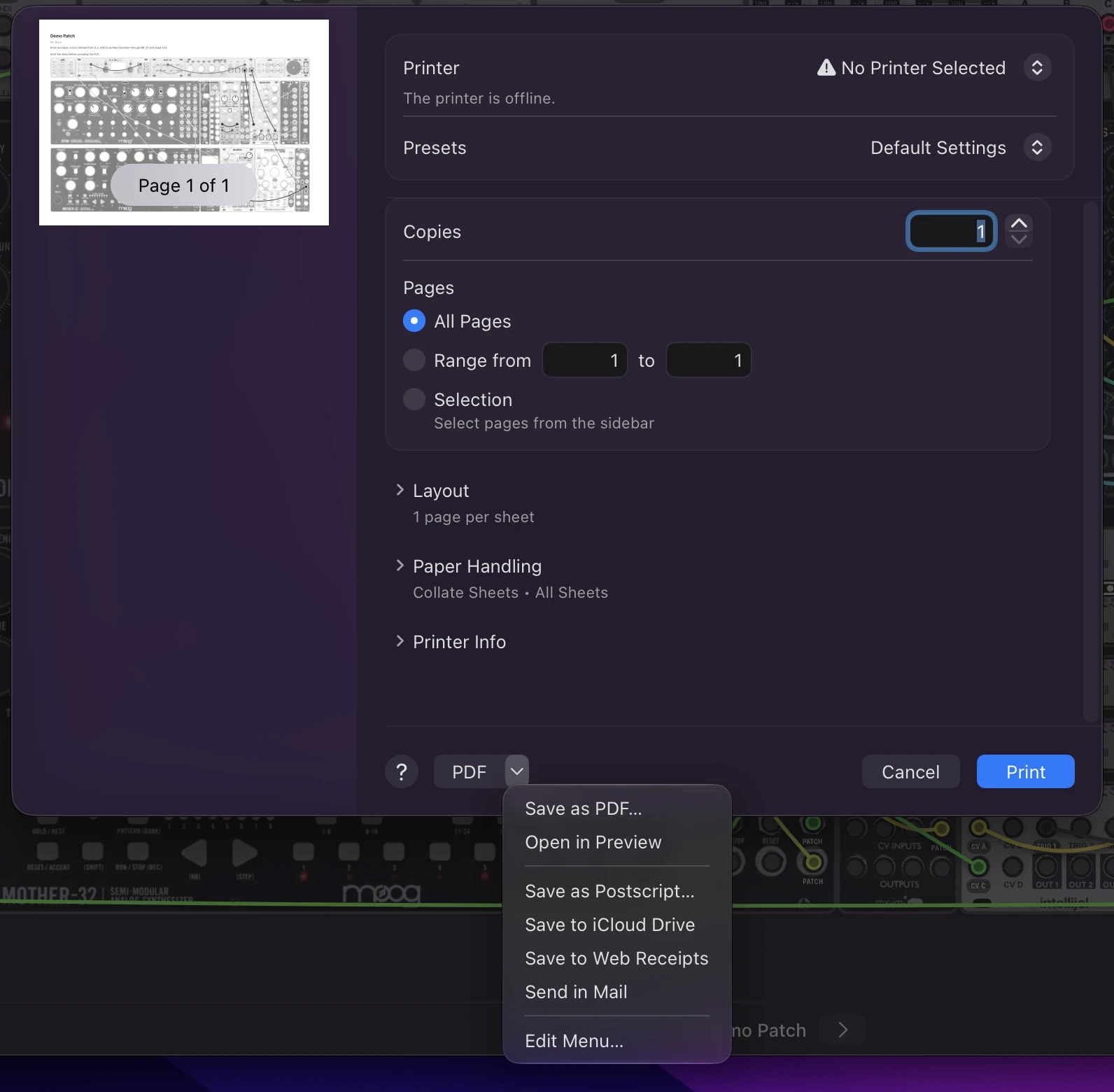
Press Cmd+P (or File > Print Patch…) in Patches or Sets mode to open the print dialog. Use the PDF menu in the dialog to save a PDF instead of printing.
The output includes:
- The patch name and rack name as a header
- Patch notes, if any
- The full rack with every module drawn at its current control values
- All cables in the patch
- Patch point sequence numbers, if the Numbers toggle is on
- Control labels, always shown in print regardless of the Labels toggle
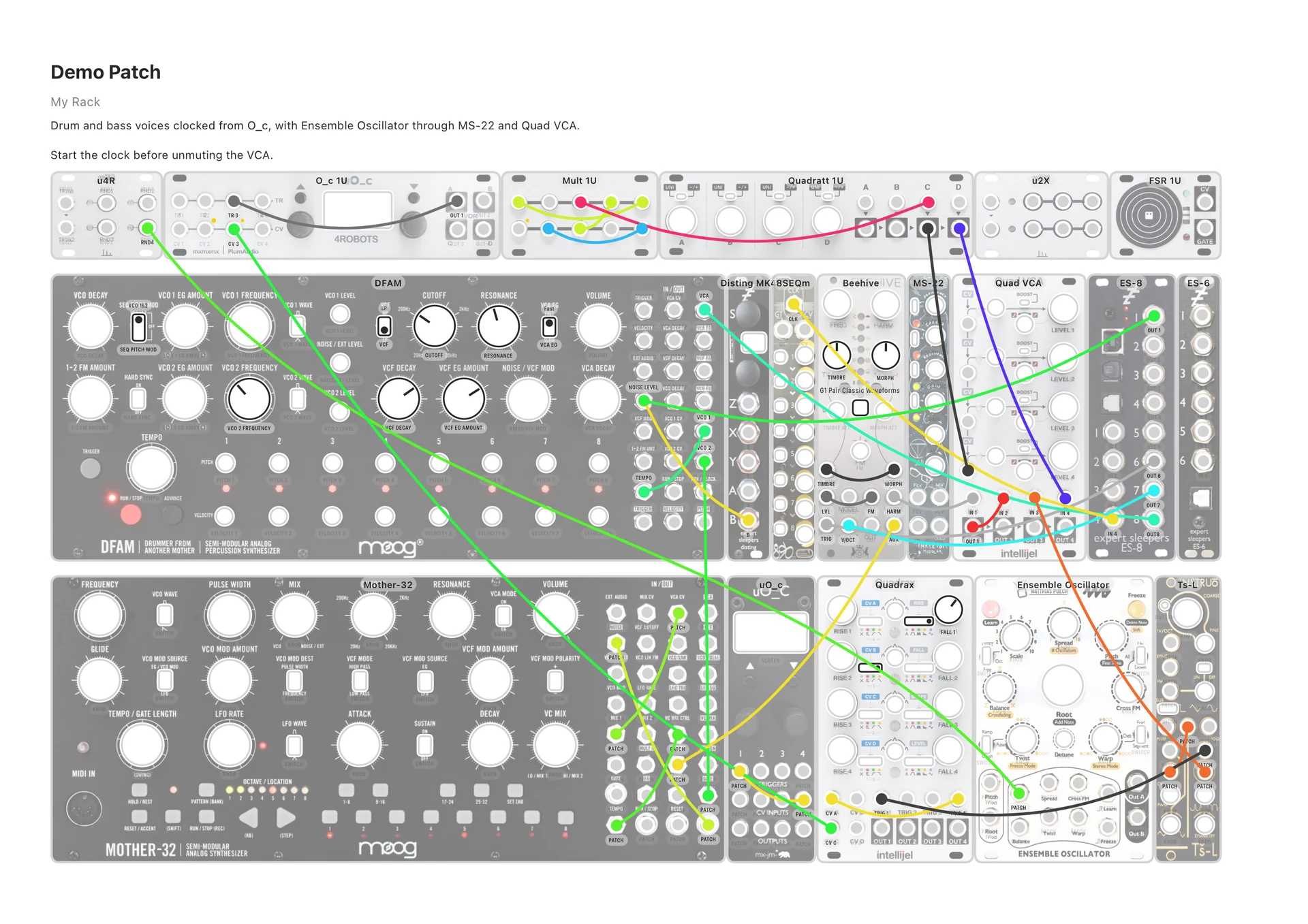
Page orientation is chosen automatically: landscape if the rack is wider than it is tall, portrait otherwise. The content is scaled to fit the page with 18 pt margins.